

Installing a solution
A solution is a ready-made app for one field: electricity, farming, aquaculture, buildings, machine assets, clean water, or parking. Each brings its own pages and dashboards. The full list is under Solutions.
Steps
Open Solutions.
Under Template Solusi (solution templates), every card has one button:
- Pasang (install): your plan includes it.
- Coba gratis 7 hari (try free for 7 days): your plan does not include it yet. The line under it names the plan that does and its price, for example Setelah itu Rp29.000/bulan dengan paket Starter (then Rp29,000/month with the Starter plan).
- Buka (open): it is installed.
- Lanjutkan dengan Starter (continue with Starter, or another plan's name): the trial has ended. The button opens Langganan (subscription) with that plan already in the cart. A solution no plan holds yet has Hubungi kami (contact us).
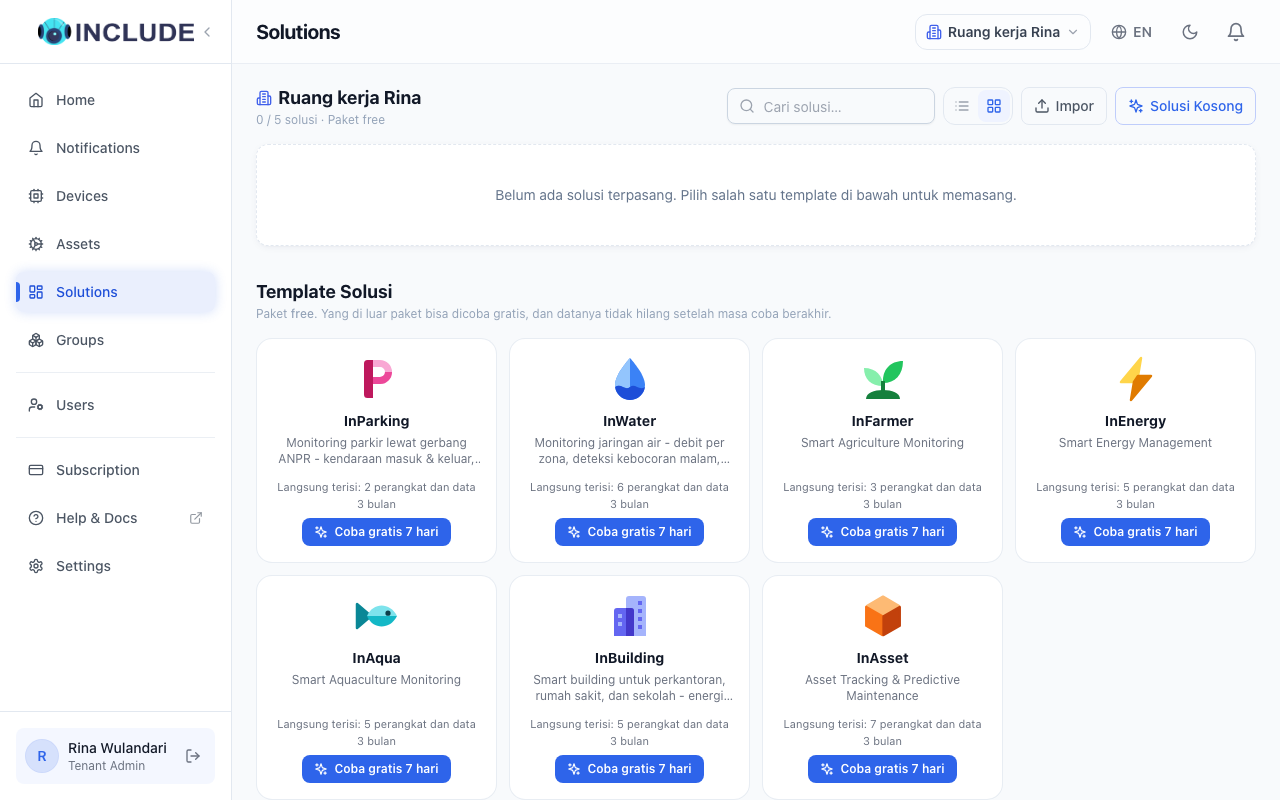
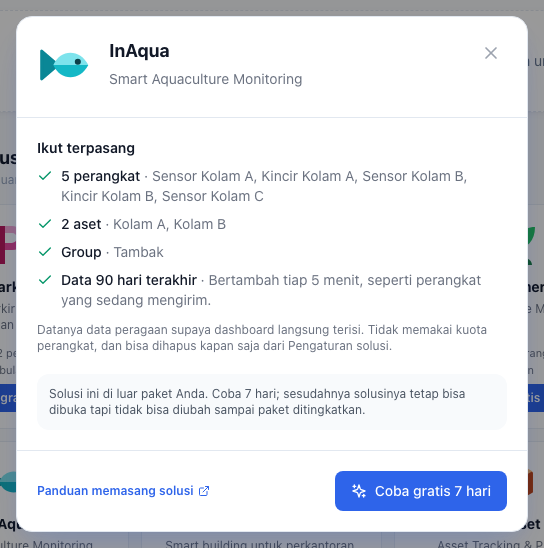
Press the button. A details panel lists what comes with the solution. For InBuilding, first pick the kind of building: Perkantoran (office), Rumah sakit (hospital) or Sekolah (school). Press the same button in the panel.
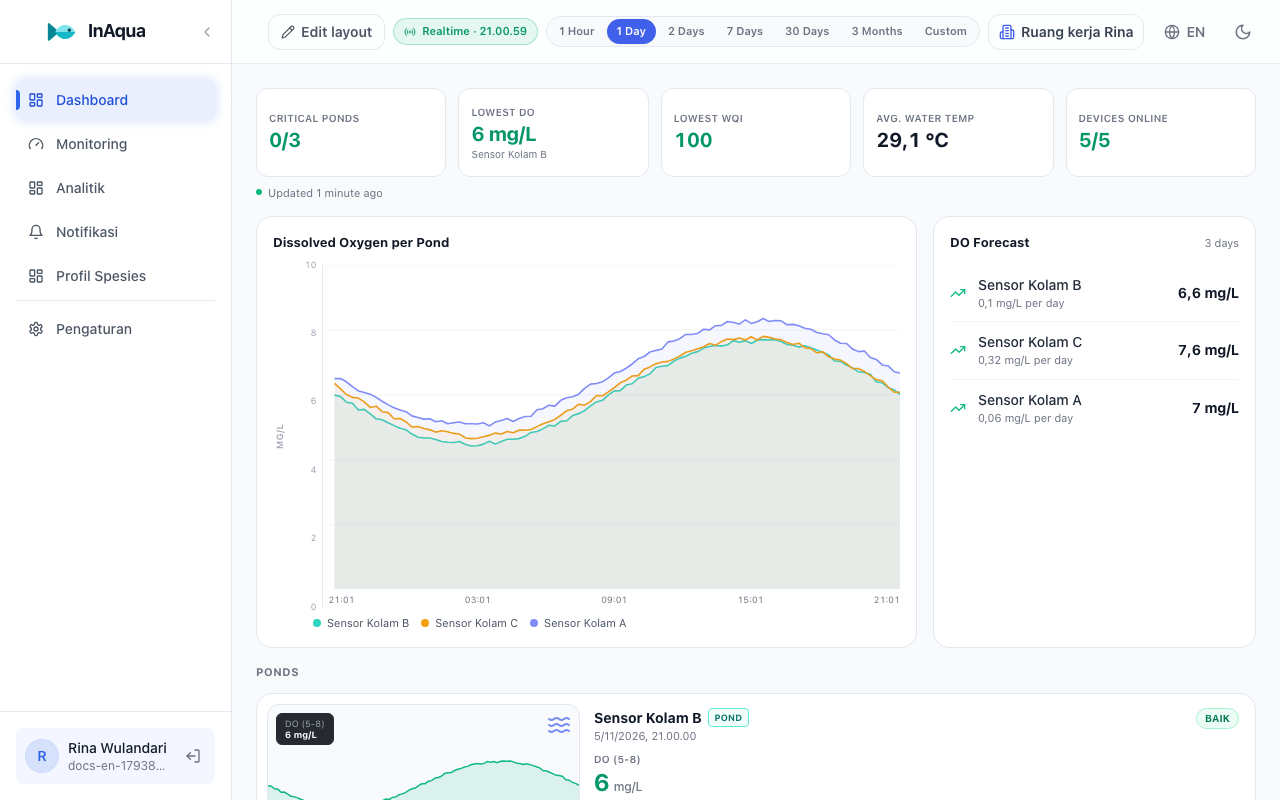
The solution opens straight away, already showing data.
What comes with it
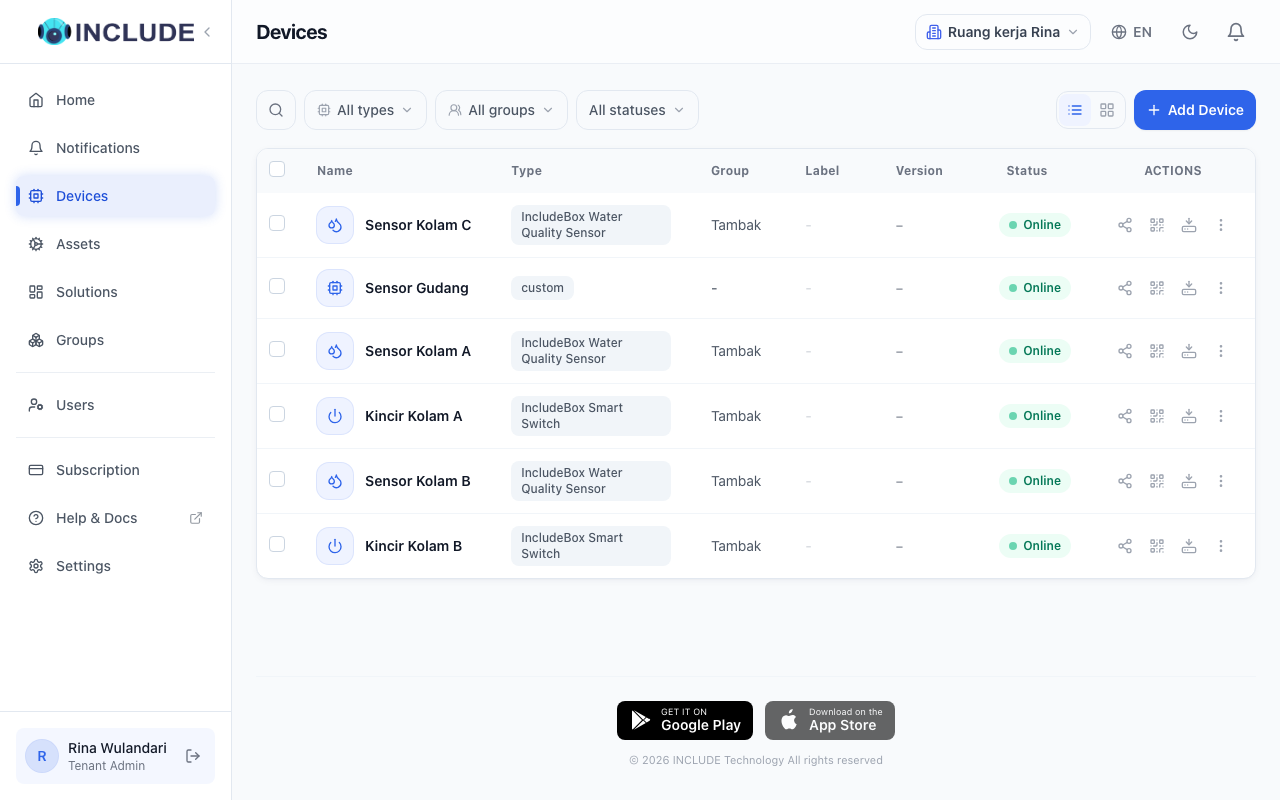
Every solution arrives with devices, assets and a Group, plus the last 90 days of demonstration data, so its dashboard is filled from the start. InAqua, for example: a water sensor in ponds A, B and C, a paddlewheel in ponds A and B, the Group Tambak, and three months of dissolved-oxygen history. One pond has a problem on purpose, so you see the warning you would get.
- An asset is made only for a thing that holds two devices or more. Kolam A is one asset with the water sensor and its paddlewheel. Pond C has only its sensor, so it is no asset.
- The data grows every 5 minutes, like a device that is sending.
- Built-in devices do not count toward your plan's device quota, and send no alarms or notifications.
Removing the built-in devices
Open the solution, then Pengaturan (settings) in the left menu.
Under Built-in devices, press Remove built-in devices and confirm.
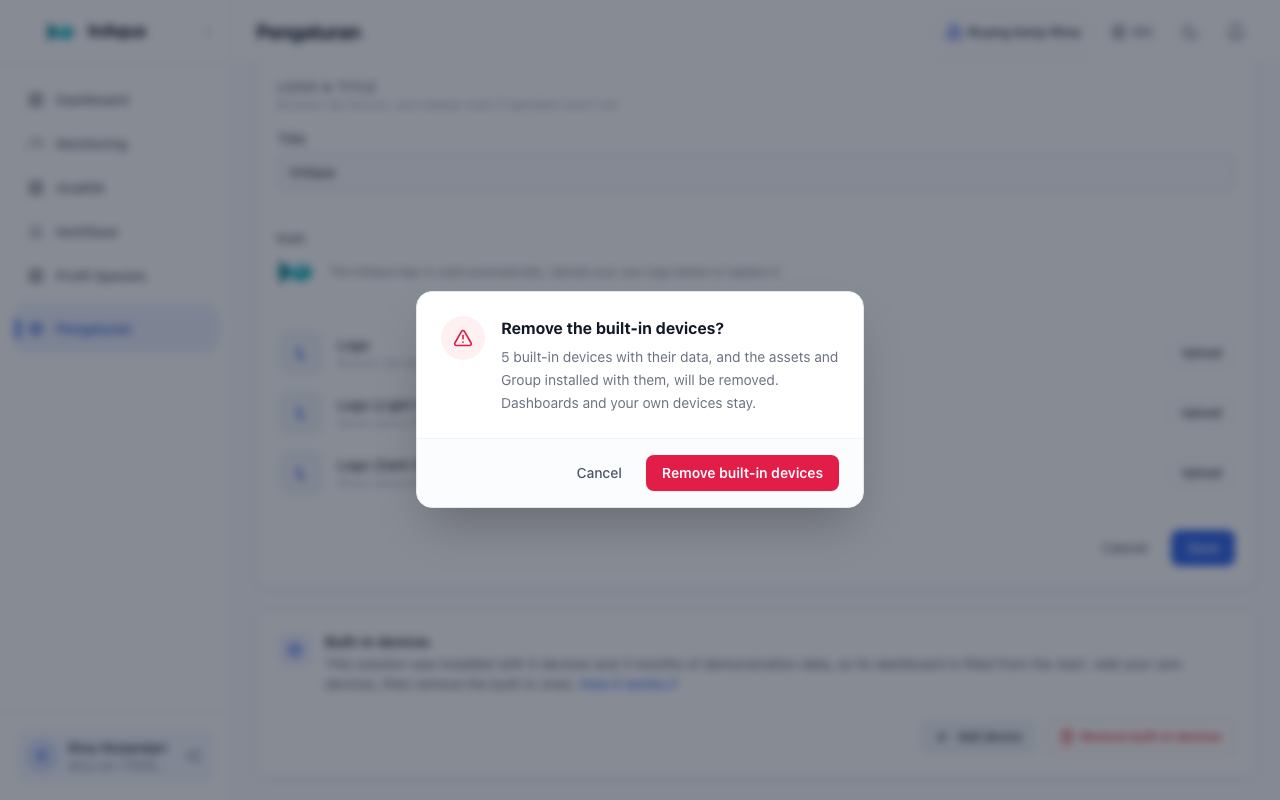
The built-in devices with their data, and the assets and Group installed with them, are removed. Dashboards and your own devices stay.
Removing a solution
- Open Solusi (solutions), then press the bin icon Copot (remove) on the solution's card.
- Choose what else goes with it:
- Delete devices: the solution's devices with their data, built-in devices included. This cannot be undone.
- Delete assets: assets whose every sensor belongs to this solution.
- Delete Groups: Groups holding only this solution's things. Ticked from the start.
- Press Remove solution.
Whatever you leave unticked stays. Built-in devices you keep still receive data and can be deleted any time from Perangkat (devices). An asset or a Group that also holds another solution's devices or solutions is not offered, so it stays.
Trials
- Each solution can be tried once, for 7 days from the moment the trial starts.
- When the trial ends your data stays, but the solution is read-only until you subscribe to a plan that holds it.
- A trial solution removed before its trial ends can come back: press Pasang lagi (install again) on its card. The trial does not get longer.
Connecting a device to a solution
When creating your own device, pick the solution in Solusi (opsional). The device then shows on that solution's dashboards, next to the built-in devices until you remove them.