

Safe ranges and alerts
Set the safe range of each reading. A reading outside it becomes an alarm.
Setting safe ranges
Open the device from the Devices list.
Open the Pengaturan (settings) tab.
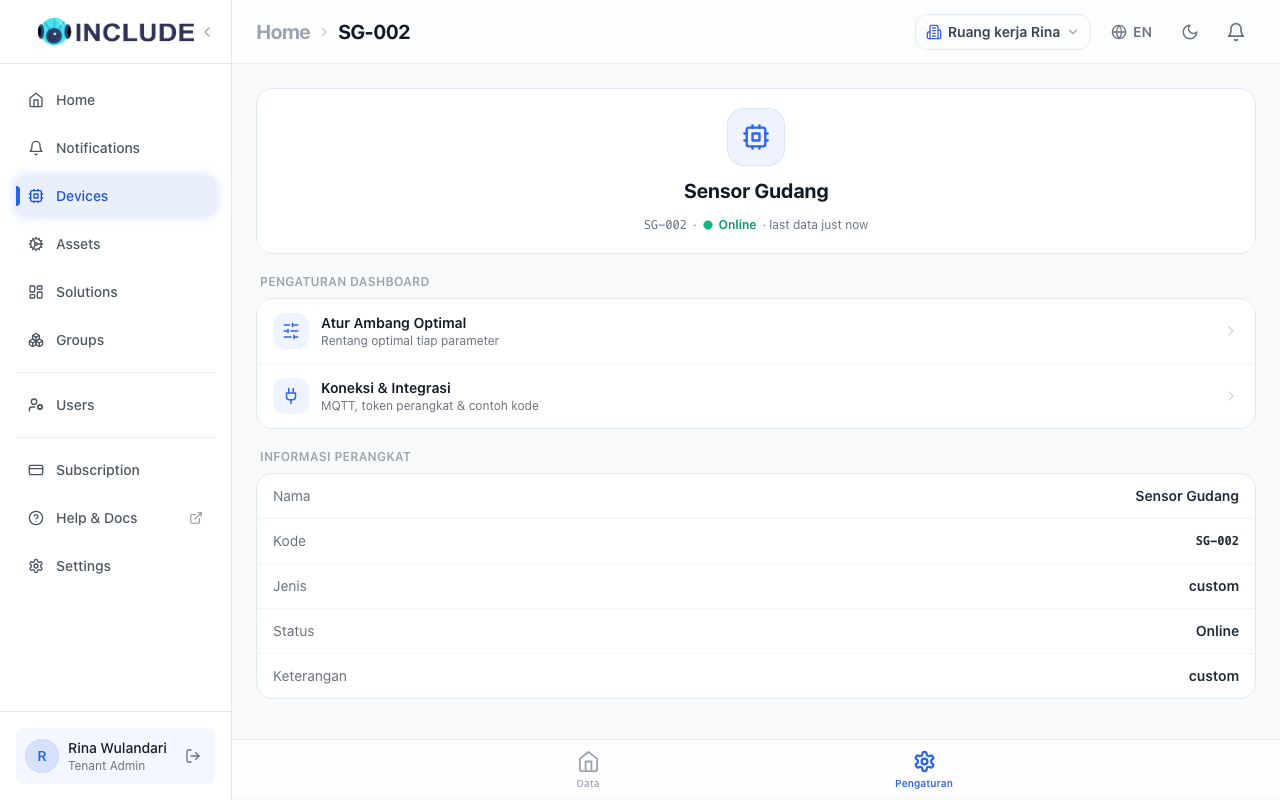
Choose Atur Ambang Optimal (set optimal thresholds).
Fill in the safe range of each reading, for example temperature
20to30.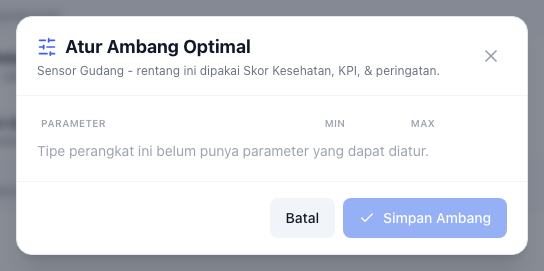
Default temperature ranges
The default temperature range, and its advice in Skor Kesehatan (health score), follow what the sensor measures:
| Jenis Suhu (temperature kind) | Range |
|---|---|
| Air kolam budidaya (fish or shrimp pond) | 26-31 °C |
| Air bersih (clean water) | up to 32 °C |
| Ruangan (room) | 20-28 °C |
| Mesin (machine) | up to 70 °C |
| Lemari pendingin 2-8 °C (fridge) | 2-8 °C |
| Umum (general) | 10-40 °C |
The kind is picked automatically from the device type and its solution. To change it:
- Open Perangkat (devices), then press the device.
- On the Info tab, press the pencil icon next to Jenis Suhu.
- Pick the kind, then press Simpan (save).
A range entered in Atur Ambang Optimal (set optimal thresholds) still comes first.
Seeing alarms
Alarms appear under Notifications, and the number of active alarms shows on Home.
How you are told
Open Settings, the Notifications tab. There you choose the channels, including linking Telegram.